


Rent out GPU Power
Remote's GPU infrastructure employs dynamic resource allocation techniques to efficiently utilize GPU resources.
Running AI Inference
With Remote's powerful GPUs, users can efficiently process and analyze data to make predictions and decisions using trained AI models.
Blockchain Node Hosting
Remote's GPU instances enable efficient blockchain node hosting, allowing user participation in consensus mechanisms to earn rewards
Our GPU-accelerated infrastructure provides a robust platform for executing high-performance computing workloads efficiently.

Build Your Power
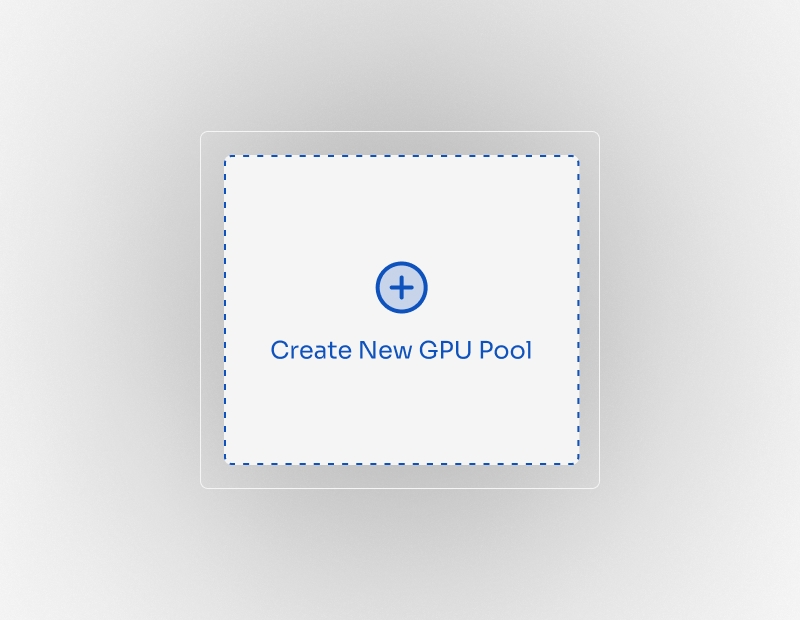
Create Custom GPU Pools
Start harnessing the true potential of high-performance computing by creating your own GPU pools.
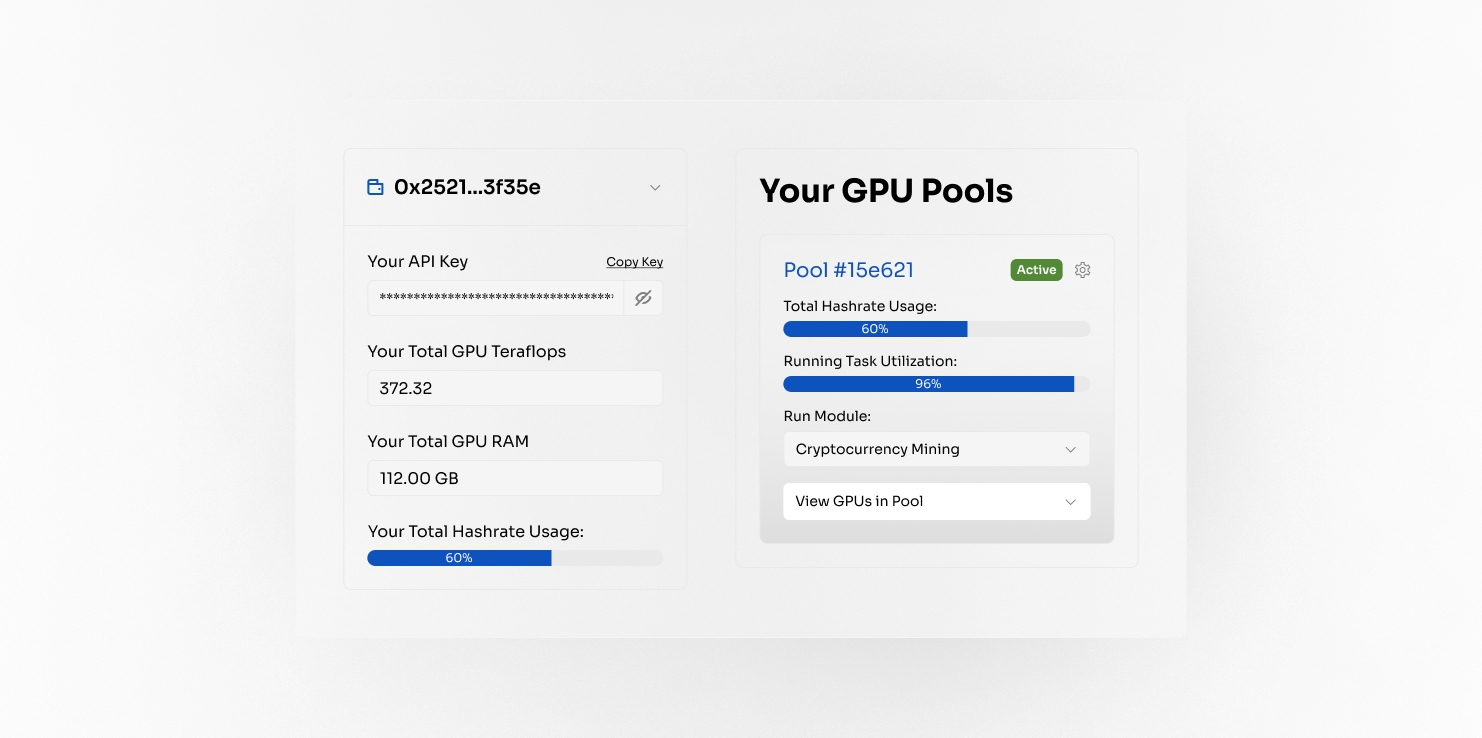
Control and Command
Manage GPU Pools and Tasks
Efficiently manage your GPU resources and oversee task execution with ease.
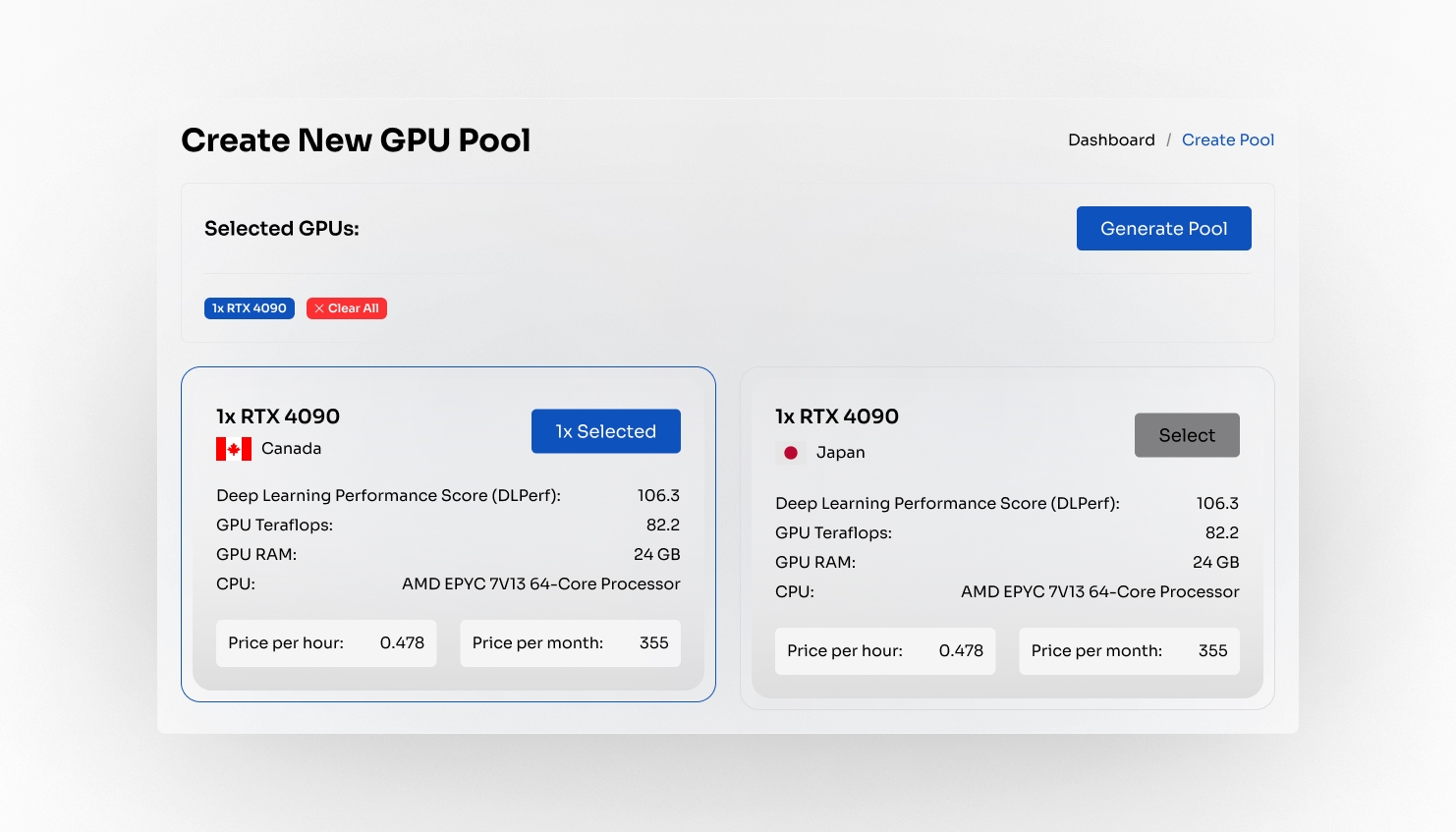
Configure Your Core
Selecting GPUs for Your Pool
Tailor your computing resources to fit your needs perfectly. Configuration phase allows users choose specific GPUs for their pool.
Remote API Documentation
A comprehensive information on how to interact with Remote's API using Python.
Read Our DocsTurn Remote GPU Power into Powerful Tools
Create your own GPU pool and run pre-tailored modules or upload your own, coming soon.
$REM Token,
Now Available
Robust. Efficient. Modern.
5% / 5%
Buy & Sell Taxes
1,000,000,000
Token Supply
$REM
Token Symbol






Frequently
Asked Questions
Remotely Asked, Directly Answered
Empower Your
Blockchain Vision
Navigate the Future of Blockchain with Remote GPU Hosting